Dev Update: Loooong overdue

It's been a couple of months (cough) or years (cough) since the last dev update, so let's get right into it.
What have I been working on?
Well, I honestly don't even remember; I have had to consult my gitlab commit history to even remember what has changed. In short:
- Refined the UI style of the armory
- Removed the background color from all item icons
- Added notifications and popups
- Added a lot of code to make logging, tracing and debugging easier
- Added player titles
- Removed the notion of items / day
I'll dive a bit deeper into these topics in the rest of this post.
UI style & new item icons
As explained in the last dev update, one major issue was consistency of UI elements; a refined UI style was needed. I have been working on this for a while now, and I am happy with the results so far. The UI is now much more consistent and has a more modern look to it.
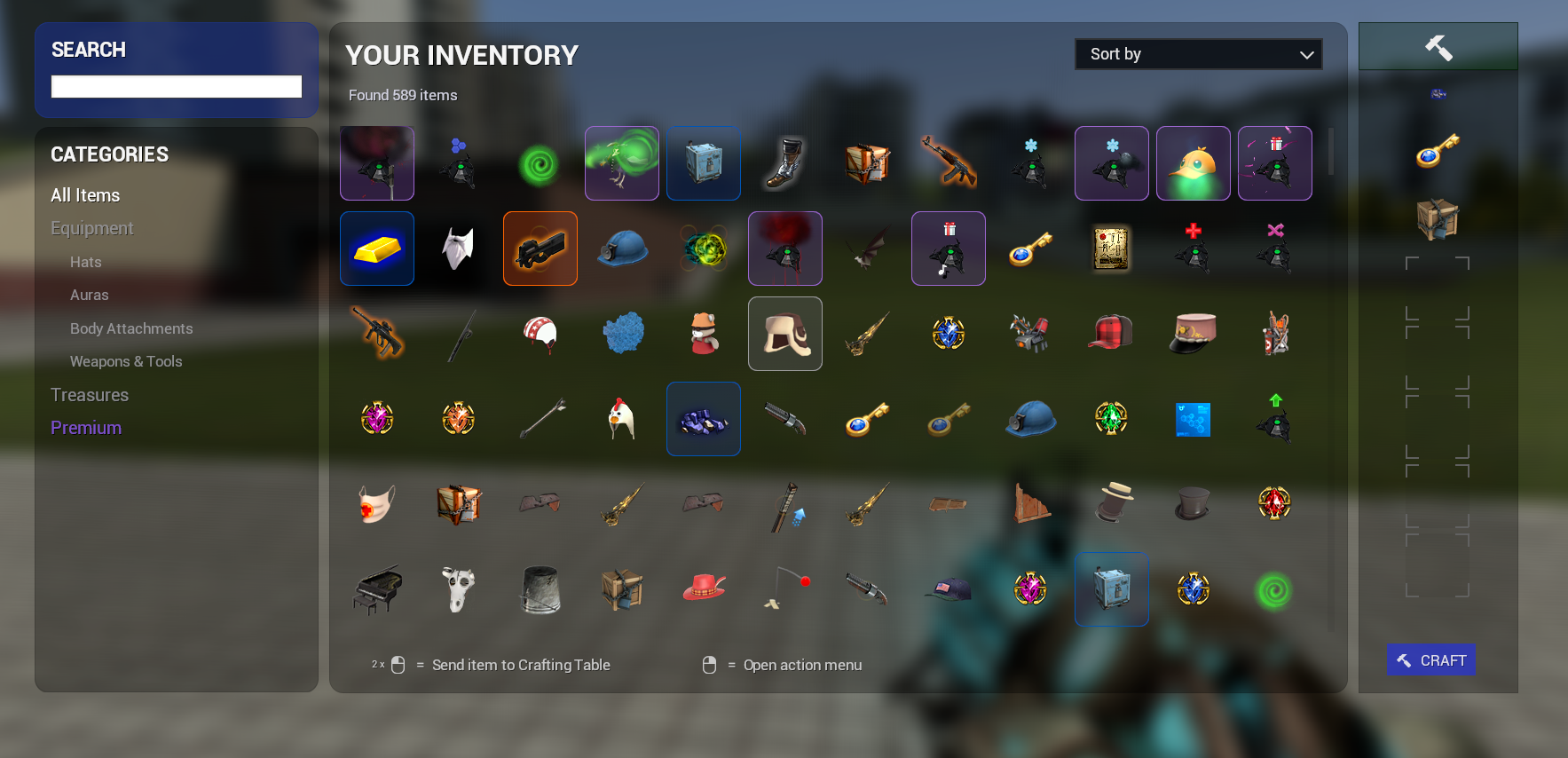
The item icons have also been updated and have had their dark background color removed. Instead, they will be drawn on a slightly transparent background, depending on the item quality.
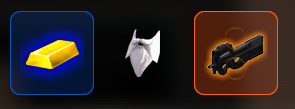
Items with particle effects will also have the effect shown in the background of the icon. This gives the item a more unique look and makes it stand out more.
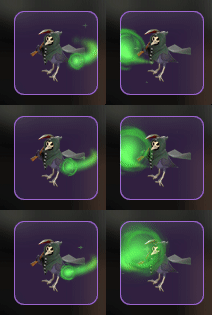
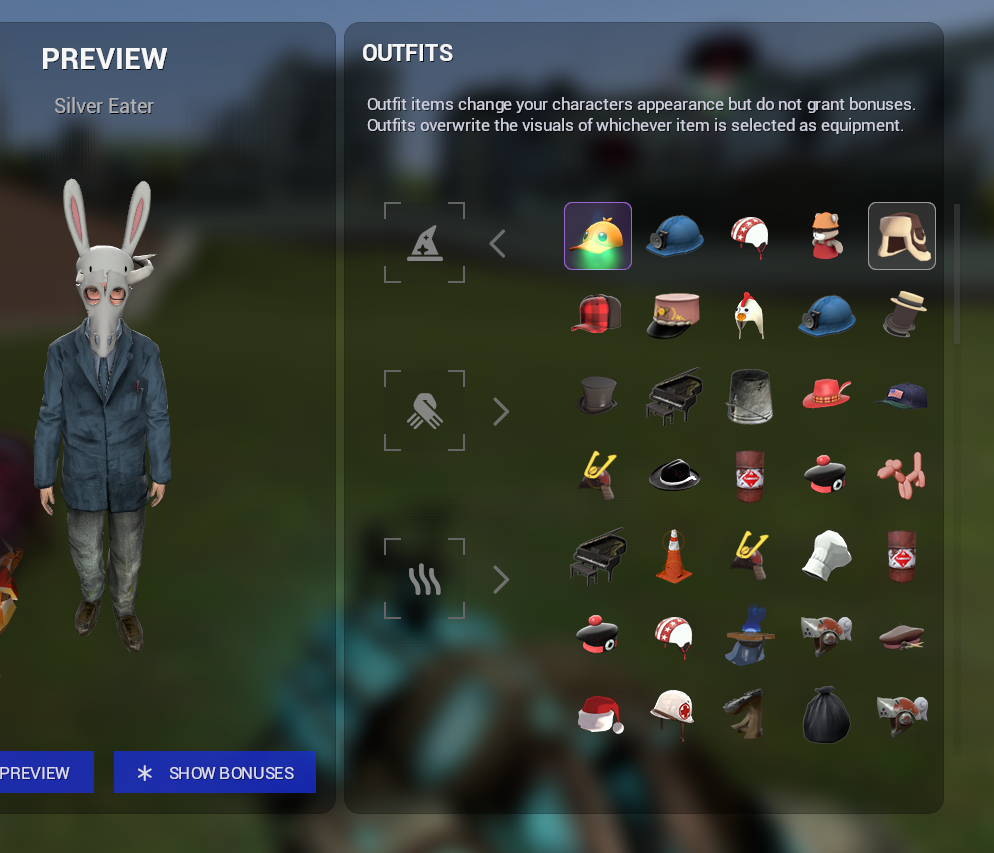
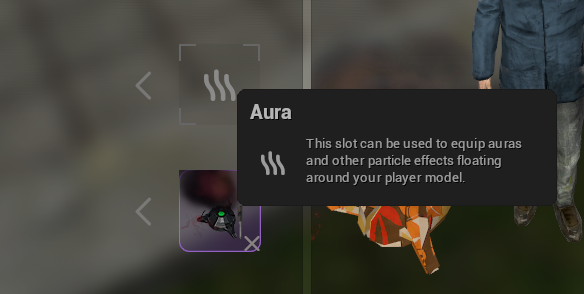
Additionally, a lot of placeholders such as empty spaces in your inventory and the placeholder icon for loadouts and equipment have been polished:
Notifications & popups
One major gripe I have had with our current UI is that it does not properly notify you of certain events. For example, when you find an item randomly, a message is posted to chat that can be easily missed. The same can be observed for actions such as crafting, sending trade notifications, receiving gifts, etc. Overall, there was a lack of feedback to the player.
I have spent some time adding a notification tray to the right side of the screen that will show notifications for various events. When in the armory, notifications can also be interacted with, for example to accept trade requests or to instantly open chests that you have received.
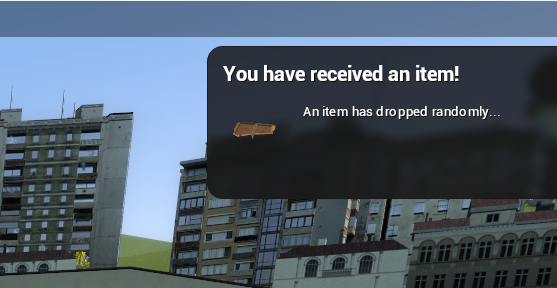
While the design is not fully polished, I will pursue this direction further for mosts actions and events that can occur when playing the game.
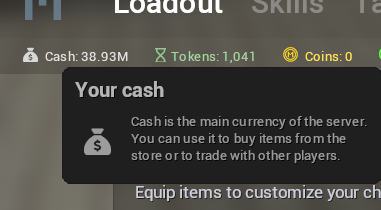
Another source of information that can provide context and feedback to the user, are popups. They already exist for items and in some other parts of the UI, but going forward they should be used consistently to accept certain concepts of the game or to provide more information.
Logging, tracing & debugging
This is a bit more of a technical topic, so feel free to skip this section if you are not too interested in the technical details.
One of the more frustrating problems I've faced is traceability of certain events. For example, when an item is added to your inventory, it is not immediately clear where it came from. Did you find it randomly? Did you craft it? Did you receive it in a trade?
There are numerous "events" that can trigger an item being added. One way to track these events, and what their implications are, is to create a new "context" at the time of the event. This context can then be passed around to other functions (such as deleting crafting ingredients in your inventory), and can be used to log information about the event.

In the screenshot above, crafting an item will create a new context, which is passed to functions related to managing the inventory and materials storage. Any message that is logged inside of these external services will have the "Craft" context attached to it, which allows us to trace back the origin of the event.
Additionally, all context logs can be explored in Grafana.

Player titles
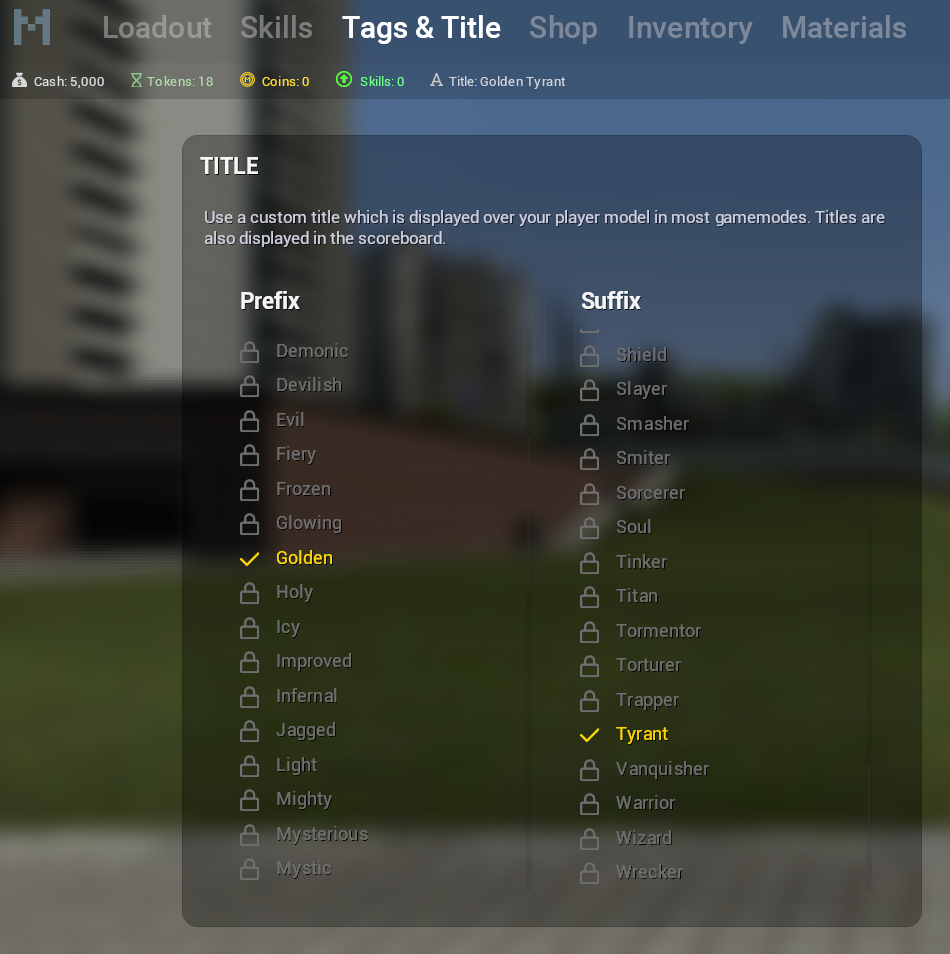
Player titles were something that always intrigued me. They are a great way to show off your achievements and to give players something to work towards. Rather than giving out simple, static titles, I wanted to give players the chance to be a bit more creative (and possibly show of that they truly are Morons).
Titles are (as most things in this game) made up of a prefix and a suffix. Title prefixes and suffixes are unlocked separately, and can be combined to create a unique title. There's a dedicated UI to make choosing your title as easy as possible.
No more items / day
The notion of items / day and daily drops being limited was silly. As long as you were playing the game, why shouldn't you be able to find new items?
However, this poses a problem with one particular magical item attribute: + Extra Items / Day
With the daily limit being removed, the attribute needed to be reworked into something more useful, especially since a lot of people spent many hours perfecting their item-finding loadouts.
Skills
A lot of the drops that players received were quite useless; hats that nobody wanted to wear, jewels with low attributes and crafting materials that were pointless. I wanted to give players a way of customizing their drops, so that they could focus on the items that they actually wanted to find. Want fewer fragments? No problem! Want a chance at finding better jewels? Sure!
This is where skills come in. Skills can be unlocked and leveled by using skill points, which in turn are earned by equipping items with + Skill Points.
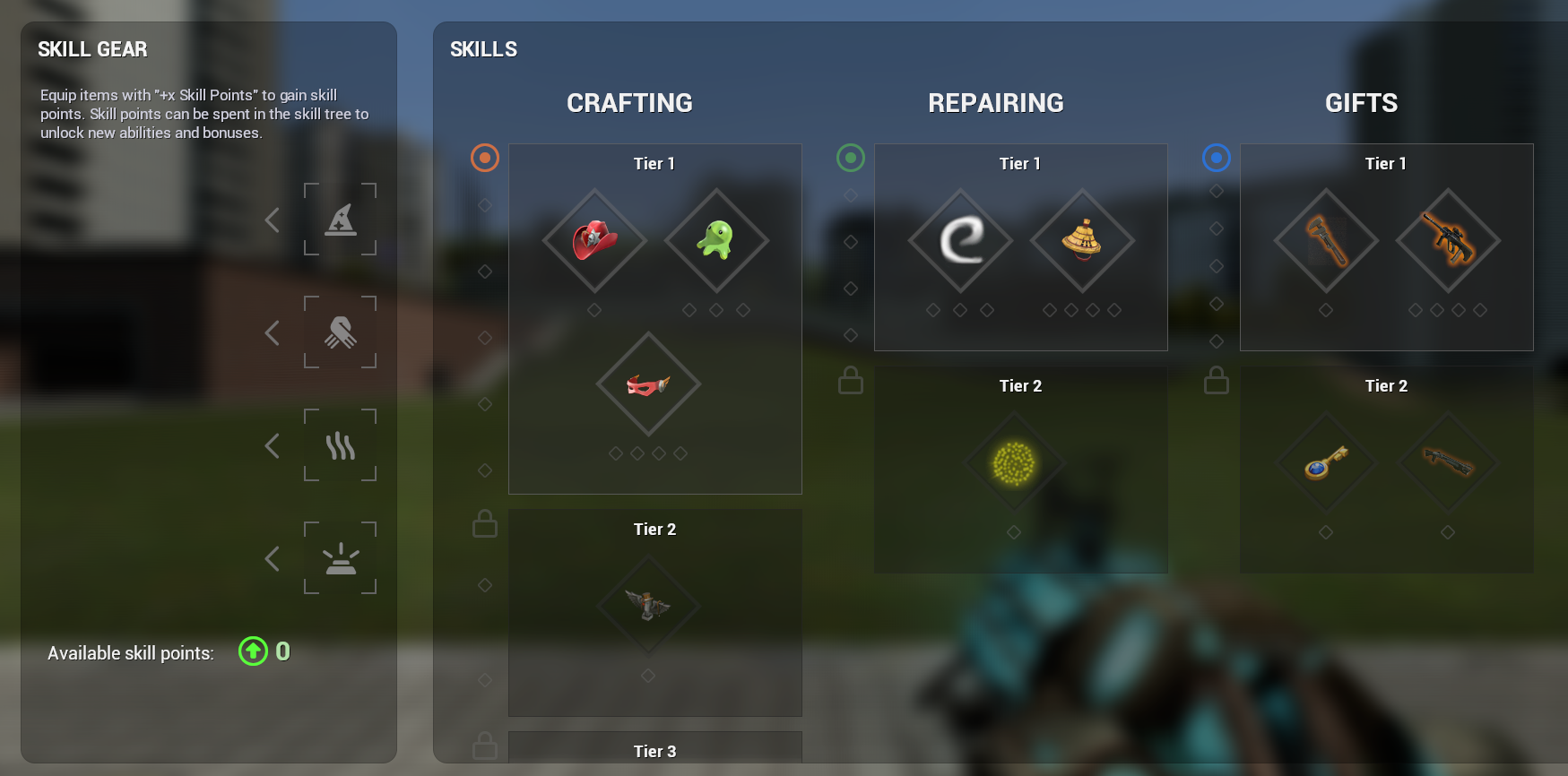 (Icons are placeholders)
During implementation, I realized that there were not enough customization options for item drops alone. I decided to expand the skill system to also include other aspects of the game, such as crafting, repairing, lockpicking, finding gifts, etc.
Skills belong to a certain Skill Tree, which are further divided into Tiers. Higher tier skills are more powerful, but also require more skill points to unlock.
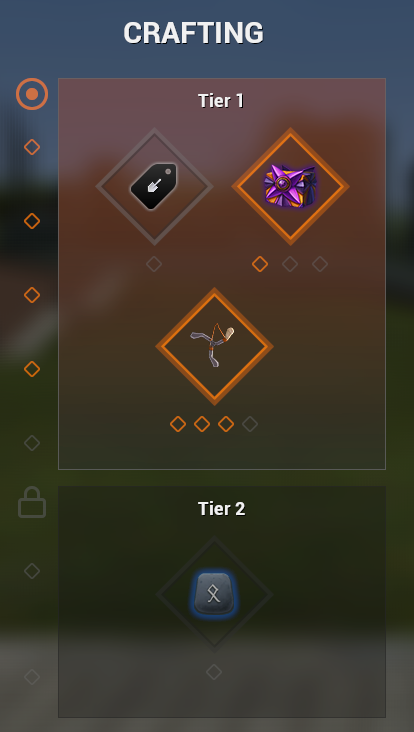
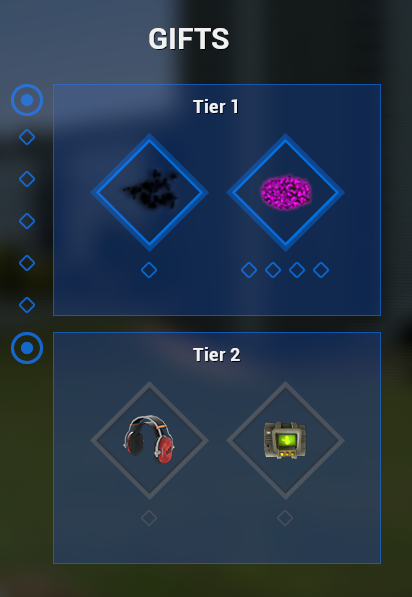
Equipping items with + Skill Points will give you skill points that can be spent on unlocking skill
The +Extra Items Per Day attribute has been transformed into the +Skill Points attribute.
